Version 1.03 Changelist
#406 posted by ijed [200.73.66.2] on 2016/02/24 12:41:05
Fixed Bugs:
HOMS through walkways at odd angles
Zfighting inside door frames
Unmarked / broken secrets
Crash on easy skill
Items falling out of level
New Stuff:
Added coop starts (untested)
Added dirtmapping
Added brushes to better divide the visleafs (performance)
Added some dynamic helper signs to aid navigation
Various miscellaneous tweaks and gameplay fixes
Thanks for the file inclusion Jakub - I'm kind of surprised it runs at all in DP, just for the custom gameplay Qc - mainly the ammo boxes.
#407 posted by FifthElephant [86.4.213.148] on 2016/02/24 13:59:19
dirtmapping tends to lower the overall brightness of the map quite a lot...
 I Tried To Make
#408 posted by ijed [200.73.66.2] on 2016/02/24 14:01:34
The corners more shadowed but not affect the gameplay areas.
Some secrets are a bit darker now.
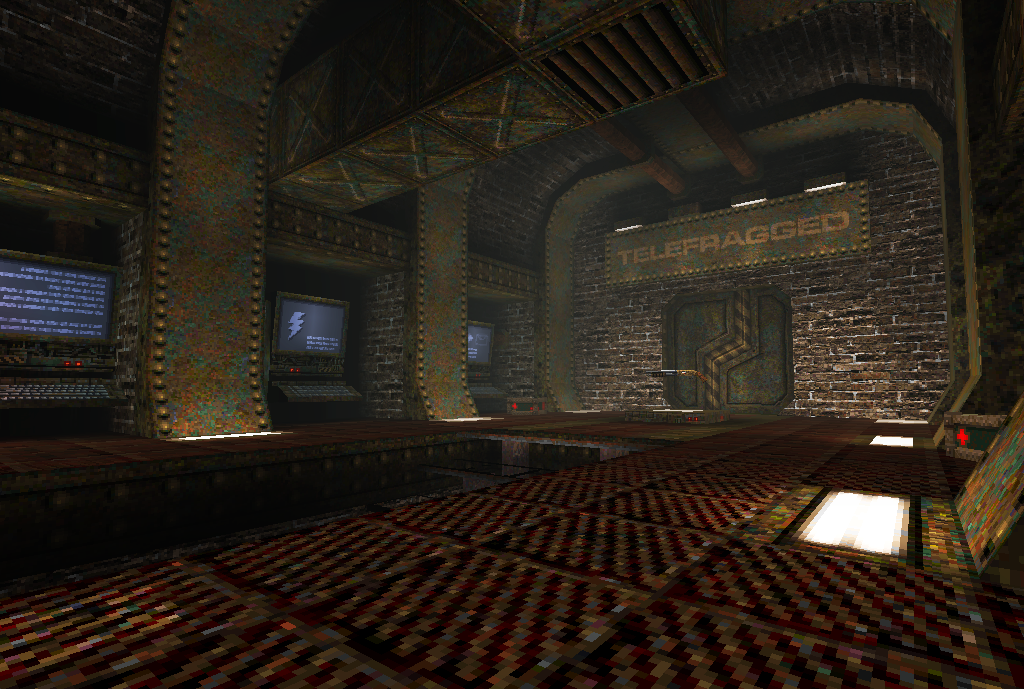
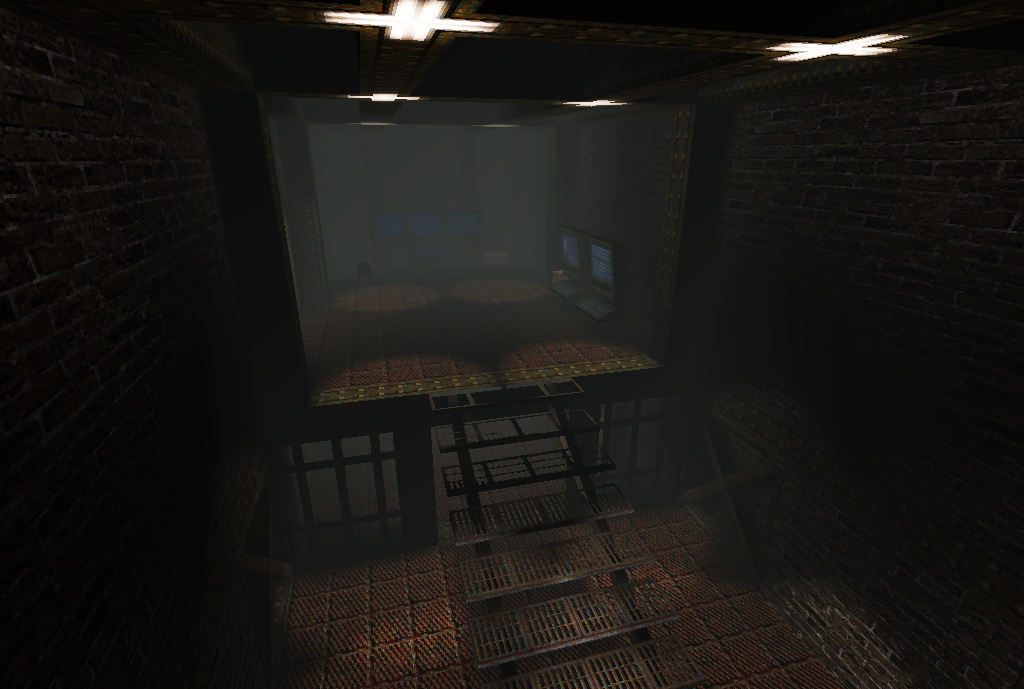
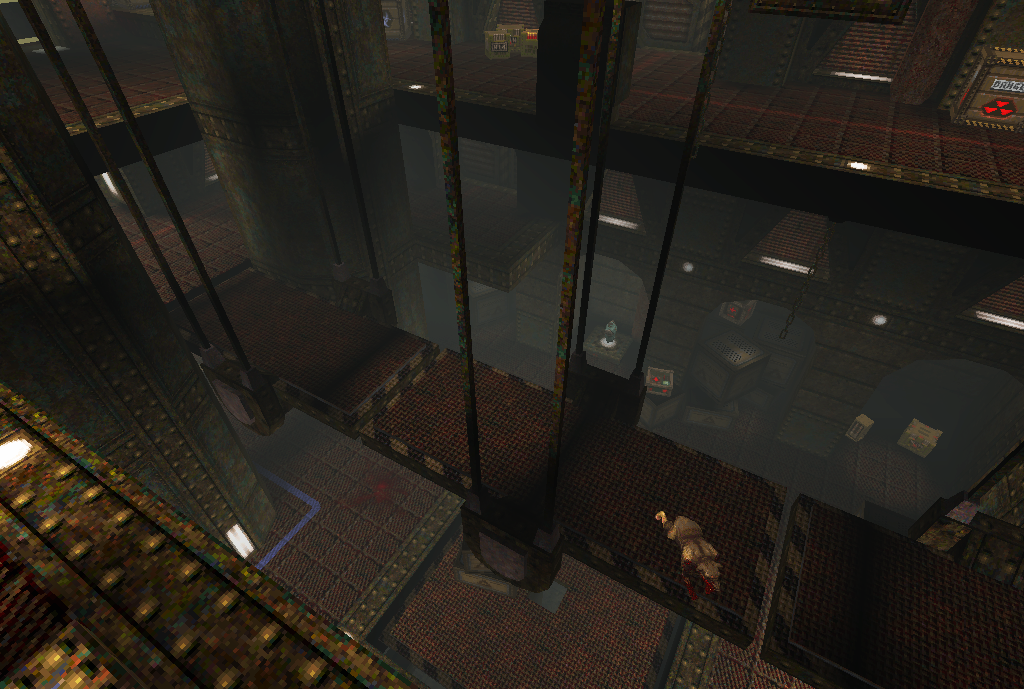
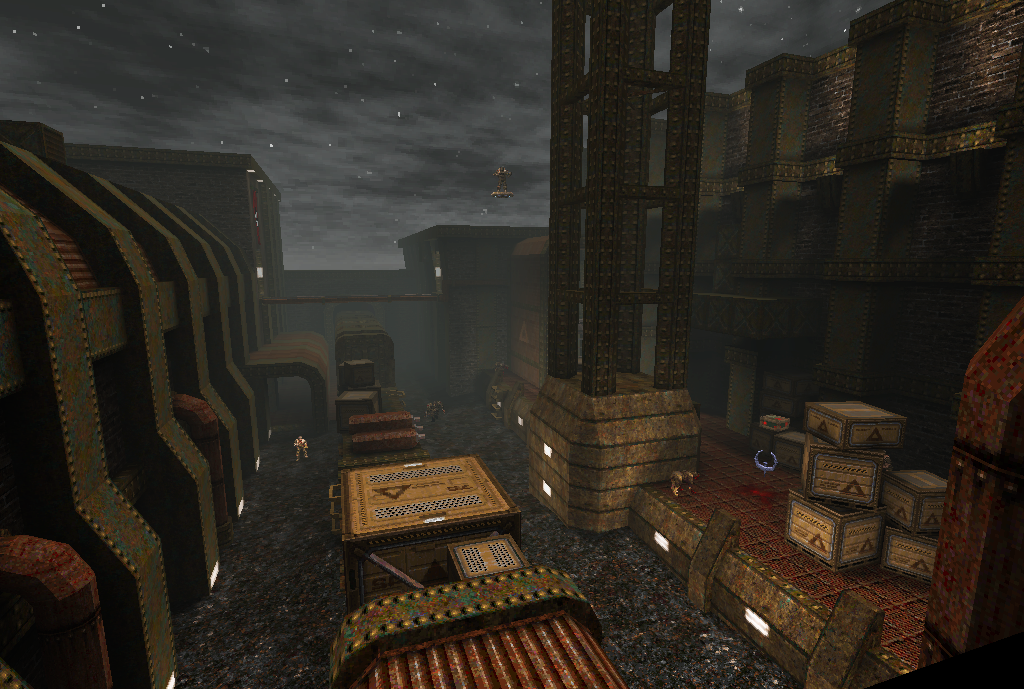
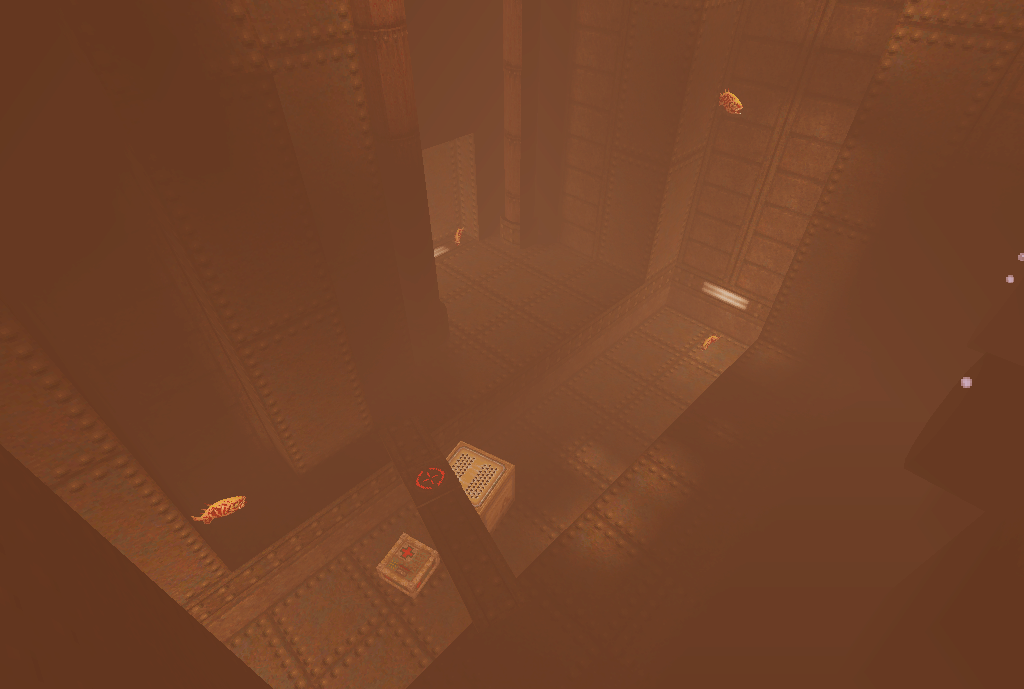
 Dirtmap Screens?
#409 posted by nitin [220.244.163.153] on 2016/02/24 14:04:30
 Darkplaces Compatility
#410 posted by jakub [193.179.216.60] on 2016/02/24 14:34:50
i tested the whole pack and even monster level like telefragged works fine in darkplaces. i encountered noticeble fps slowdown only in the incenerator area. other parts of the level were ok.
-
there was only one bug i found. in telefragged, there is a secret quaddamage behind the glass door that can be opened by shooting the button on the floor through the crack in the nearby window pane. the button is inaccesible behind the glass under the crate at first and when the crate explodes the explosion cracks the glass so that you can shoot the red button on the floor. the crate explodes and cracks the glass, but the button doesn't work. it worked in the original version, but doesn't work in the updated version released a few weeks ago. i haven't tried the new version yet.
 Oops.. Typo
#411 posted by jakub [193.179.216.60] on 2016/02/24 14:37:49
incenerator = incinerator :-)
 Screens
#412 posted by ijed [200.73.66.2] on 2016/02/24 14:47:08
Will take some today.
As to that secret - I tested it last night and it was fine, but in Quakespasm.
 Bug
#413 posted by jakub [193.179.216.60] on 2016/02/24 14:51:47
i'll try it again with the new version when i get home. the button is already in the "pushed" state when the glass cracks so that you can't shoot it again.
 Is The Crosshair Illuminated?
#414 posted by ijed [200.73.66.2] on 2016/02/24 14:54:10
It turns off when activated (receives damage) and opens the door.
#415 posted by JneeraZ [76.182.53.183] on 2016/02/24 15:19:55
"incenerator = incinerator :-) "
Thanks for that correction. I had NO idea what you were trying to say there ...
 Bug Is Dead
#416 posted by jakub [89.102.2.226] on 2016/02/24 18:12:01
i've just tested version 1.03 and button works it's supposed to.
 Thanks
#417 posted by ijed [200.73.66.2] on 2016/02/24 19:57:01
 Shit I Forgot The Screenshots
#418 posted by ijed [200.73.66.2] on 2016/02/24 19:57:22
Coming soon :)
#419 posted by ericw [108.173.17.134] on 2016/02/24 21:45:08
ijed, nice! Going to have to replay with the patch soon. Sorry I copped out on playtesting
 Well
#420 posted by ijed [200.73.66.2] on 2016/02/24 22:00:03
Without your tools and engine support this pack wouldn't have happened at all :)
 Update
#421 posted by ijed [200.73.66.2] on 2016/02/24 22:03:17
 Ijed
#422 posted by nitin [220.244.163.153] on 2016/02/25 12:05:09
thanks for the screenies.
Also news post updated.
 Thanks!
#423 posted by ijed [190.22.41.33] on 2016/02/25 12:34:33
 Download Not Working ?
#424 posted by Barnak [69.157.191.133] on 2016/02/25 20:38:11
When I press the download button, nothing happens. WTF !?
#425 posted by Baker [65.60.224.195] on 2016/02/25 20:48:05
Keep in mind Barnak is using a non-Intel Mac Mini and no modern browser is available for him to use.
 Non-Intel ?
#426 posted by Barnak [69.157.191.133] on 2016/02/25 21:41:16
It's a 2010 mini, so definitely Intel. And it rocks with Snow Leopard !
#427 posted by Baker [65.60.224.195] on 2016/02/25 21:48:08
32-bit Intel?
#428 posted by ericw [108.173.17.134] on 2016/02/25 21:56:02
I'm sure the patch will get mirrored to quaddicted or quaketastic before long.
Barnak, try using Firefox or Chrome on OSX 10.6, not Safari (which is out of date and probably unsafe).
 Way Ahead Of You, Eric
#429 posted by Spirit [92.196.101.197] on 2016/02/25 22:10:34
#430 posted by Johnny Law [4.16.194.34] on 2016/02/26 02:18:27
If folks are in the business of updating the OP, you could remove the link to the special-snowflake devbuild of Quakespasm and just say "use Quakespasm version 0.90.0 or later".
 Set =1 To Download. WTF !?
#431 posted by Barnak [69.157.190.3] on 2016/02/26 02:42:55
I'm able to download the pack by turning the URL from =0 to =1.
At least, make that download button to play a fart sound when you press it.
 FSAA In Quakespasm
#432 posted by Barnak [69.157.190.3] on 2016/02/26 03:06:32
I'm experiencing a video problem with both versions of Rubicon3 when FSAA (antialiasing) is ON, in the latest version of Quakespasm OS X.
Rubicon3 is the only Quake pack/mod/map which is giving me video garbages when FSAA is ON.
This is sad, since FSAA is nice to my eyes, and I need to turn it OFF just to play Rubicon. Why is there a problem with FSAA and this mod ?
#433 posted by Baker [65.60.224.195] on 2016/02/26 03:47:59
A screenshot for the Quakespasm would be the considerate thing to do wouldn't it?
Or shall they just guess what your screen looks like ...
 Ah
#434 posted by [108.173.17.134] on 2016/02/26 04:06:08
I was about to ask for a screenshot but I can reproduce it on my OSX 10.6 system, a HOM effect, but some parts of the world draw?
It affects id1 start.bsp too though, so it's not specific to RRP.
Seems to be related to the waterwarp, setting "r_oldwater 1" works around the problem here.
 Oldwater...
#435 posted by Barnak [69.157.190.3] on 2016/02/26 04:11:35
What are the differences with the oldwater settings ?
And what is specific to Rubicon3's water, that is different from the other water settings, in AD for example ? Rubicon is the only Mod that gives me screen shit when FSAA is ON.
The screen shit looks like transparent walls, with a very luminous background (sky box), that blinks when I move the view around. The game becomes unplayable with this.
#436 posted by ericw [108.173.17.134] on 2016/02/26 04:30:12
It affects how the waving animation on the surface of liquids is drawn.. "r_oldwater 0" is the better quality way, but it can cause problems with buggy OpenGL drivers. "r_oldwater 1" is more compatible but looks more angular.
There's nothing specific about RRP, but maybe the quake.rc forces "r_oldwater 1" which triggers the bug for you.
#437 posted by ericw [108.173.17.134] on 2016/02/26 04:33:34
Argh, I meant "r_oldwater 0" the last time.
Anyway - assuming you are having the same issue as me, setting it to "1" should work around the issue for now. I'll see if there's any straightforward way to work around it in the engine.
#438 posted by metlslime [159.153.4.50] on 2016/02/26 05:36:46
"new water" in fitzquake/quakespasm uses the framebuffer as a scratchpad to draw the waterwarp, then copies that into a texture, then draws the scene for real. Perhaps there's some driver/hardware issue that makes copying framebuffer to texture give bad results. "Old water" uses the glquake method, which is safe but ugly.
Ideally it would all be replaced with a fragment shader :)
#439 posted by Baker [65.60.224.195] on 2016/02/26 06:30:04
It's a little crazy that FSAA has to be on for Barnak's issue to manifest itself.
@ericw --- gl clear happens AFTER warp textures are updated --- metlslime probably figured better to do it before clearing buffer. Perhaps gl_clear before and after would solve issue if FSAA is on?
(You wrote a dev note saying some Intels need the buffer always cleared. Barnak's computer is saying "Hello!")
|